What the Sixer app actually asks for on first launch
The Sixer fantasy cricket app's first-launch screen asks for five permissions in a fixed order. The desk reads each prompt as it actually appears on the device, separates what the operator receives from what stays on the phone, and ends with a short checklist before you tap Allow.
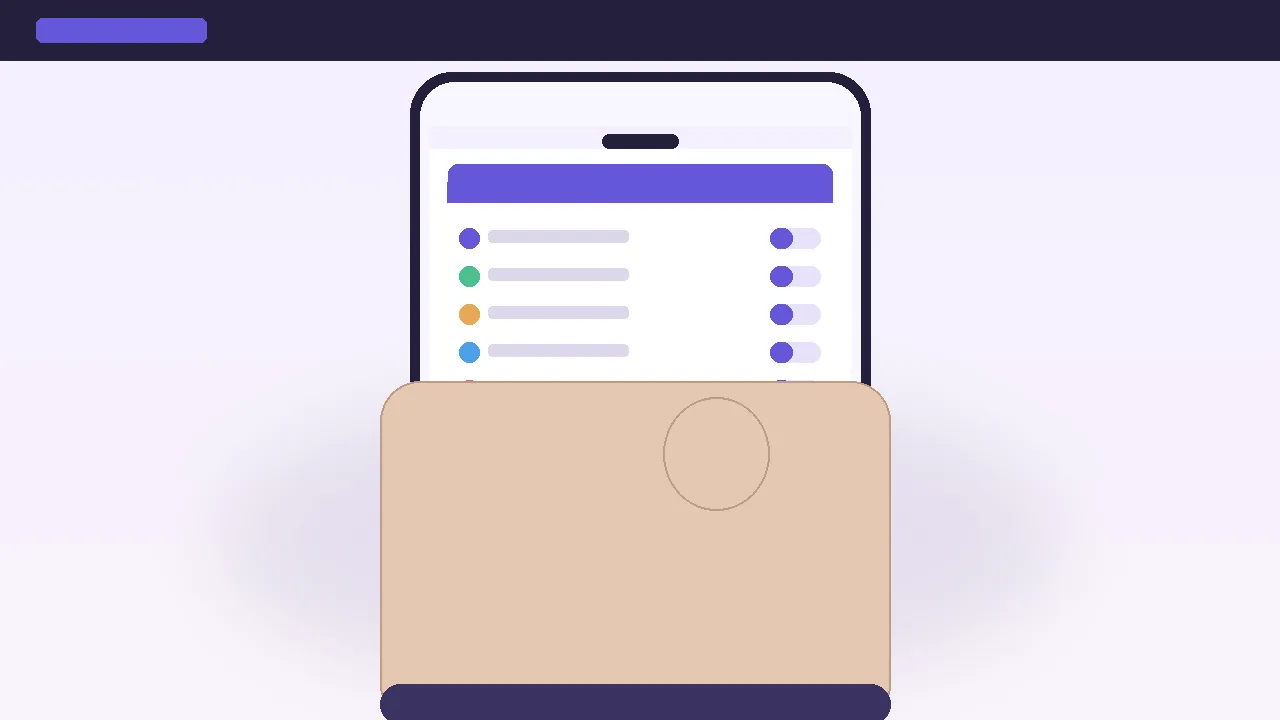
The five prompts, in the order the app shows them
When the Sixer app opens for the first time after a fresh install, the operator publishes a single screen with five permission rows above an Allow/Don't allow pair. The order is fixed and the rows are not optional. The first row is the mobile number, the second is location, the third is camera, the fourth is notifications, the fifth is biometric sign-in. A reader who denies any of the first three can still browse the app, but the contest slot, the live points feed and the KYC flow will not load until the missing prompt is granted inside the device's Settings panel.
The order is not arbitrary. The mobile number sits at the top because the operator treats the phone number as the account identifier and the OTP it dispatches as the only password reset channel. Location sits second because the operator runs a state-eligibility check before it allows a paid contest entry. Camera sits third because KYC reads PAN and address proof through the device's secure camera pipeline. Notifications sit fourth because the operator pushes squad countdown, captain pick reminders and result declarations through the system tray. Biometric sits fifth because it is a convenience layer on top of the OTP, not a substitute for it.

What the operator actually receives
Each prompt has two readings. The first is what the operator receives. The second is what stays on the device. The two are not the same, and the desk's first reading rule is to keep them separate rather than treat a single permission row as a single fact about the operator.
The mobile number row delivers the phone number the reader typed and the OTP confirmation. The contact list, the call log and the SMS inbox are not part of the prompt and the operator cannot read them through this row. The location row delivers a single latitude and longitude pair, the accuracy of the reading, and the timestamp. The operator runs the latitude and longitude against its state-eligibility table and decides whether the device can join a paid contest. The reading happens once, on first contest entry, not on every screen. The camera row delivers a JPEG of the framed document, the EXIF orientation, and a hash of the JPEG. The camera roll, the photo library and the device's video feed are not part of the prompt. The camera permission is scoped to the KYC activity, not the app as a whole, on Android 11 and above. The notifications row delivers the operating system permission to display a notification. The operator sees a delivery receipt, not the body. The biometric row delivers a yes/no flag. The operator does not receive the fingerprint or face data, and the template lives in the device's secure enclave.
What stays on the device, and what does not
Three things stay on the device. The OTP confirmation is signed on the device and is not stored after the next session expires. The KYC image is hashed on the server, and the original JPEG is deleted from the KYC activity's cache after the verdict returns. The biometric template is generated by the device's secure enclave and is never exported to the app process.
Three things leave the device. The phone number is the account identifier the operator joins the rest of the reader's data to. The state-eligibility latitude and longitude are the only location data the operator stores; the timestamp is stored alongside it for audit, the accuracy is not. The KYC document hash is the verifier; the original JPEG is not stored after KYC, on the operator's current privacy notice.
The desk's second reading rule: a permission prompt is a contract, not a feed. A reader who taps Allow on a single prompt is not granting the operator a continuous read on that prompt's data. The operator gets a single value at the moment the prompt is granted, and a second value the next time the operator triggers the same flow. A reader who treats the prompts as a feed will misread the privacy cost of the app.
What happens when a row is denied
Denying the mobile number row stops the app at the OTP screen; the contest entry is not reachable from the OTP screen. Denying the location row keeps the reader in browse mode; the contest slot stays locked. Denying the camera row blocks the KYC submission; the form can be filled in but the button stays disabled. Denying the notifications row leaves the app usable, but the operator's push channels go silent. Denying the biometric row leaves the OTP as the only sign-in path; the operator will not surface the biometric prompt again unless the reader grants the permission inside Settings.
One quiet consequence. A reader who denies the location row and grants it inside Settings will see the state-eligibility check fire on the next contest entry, not on the next app open. The grant inside Settings is a permissions change; the eligibility check is a contest-entry change. The two are not the same event.
The first-launch checklist
- Read the five prompts before you tap Allow. The prompts are the operator's privacy contract.
- Allow mobile number. The OTP is the only password reset the operator publishes.
- Allow location on first contest entry, not on first app open. The eligibility check fires on contest entry.
- Allow camera on KYC, not before. The camera prompt is scoped to the KYC activity on Android 11 and above.
- Allow notifications if you want the squad countdown and the captain pick reminder. The push channels are silent without the permission.
- Allow biometric only on a device you trust. The template lives in the device's secure enclave.
- Re-read the operator's privacy notice before KYC. The notice is the canonical reading on what the operator stores.
- Walk away if the operator's KYC flow asks for a document that is not PAN or address proof. A request outside that list is worth a second read.
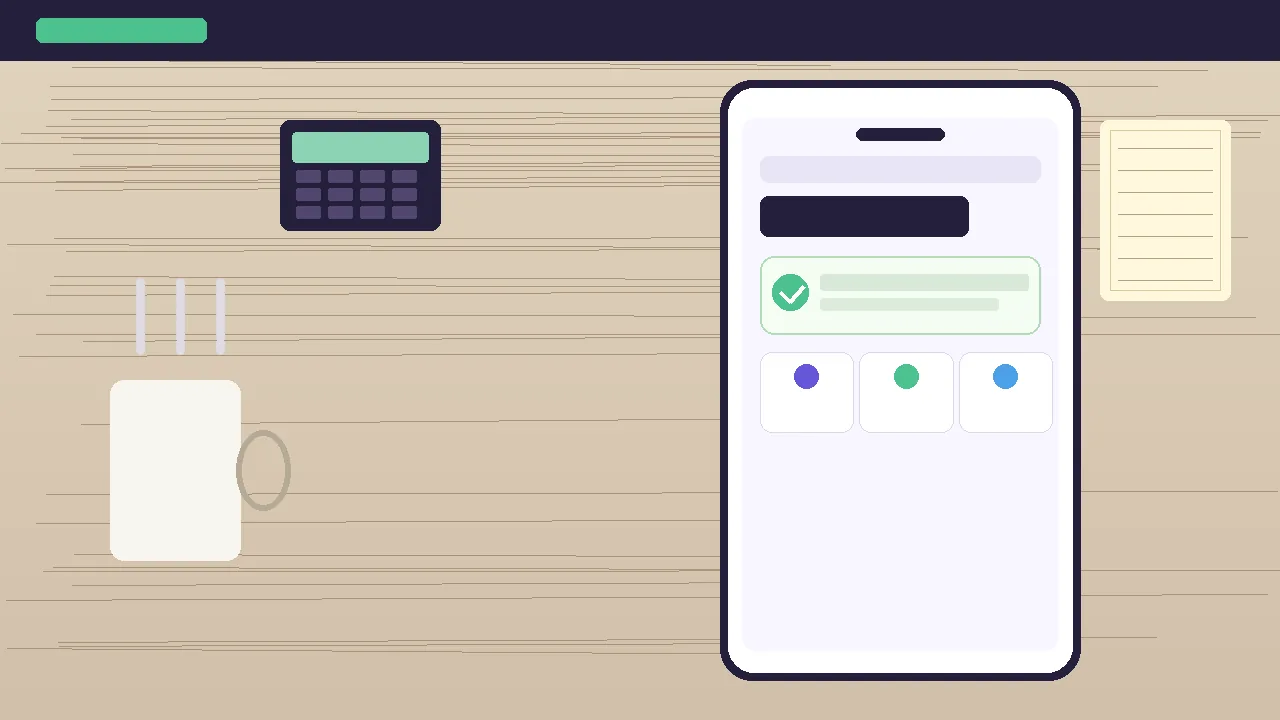
The state after the five prompts
Once the five prompts are granted and the KYC submission returns a verdict, the app reaches a state the operator labels wallet ready. The state is a single screen with a green check, a balance tile, three quick-action tiles and a deposit button. The desk treats the wallet-ready state as the operator's confirmation that the five prompts, the KYC submission and the payment method are all in place. The state is not a guarantee that the operator will let a reader join a paid contest; the state is a guarantee that the operator will not block a reader on a missing permission or a missing KYC submission.
A reader who reaches the wallet-ready state on the first launch and then sees a contest slot locked is looking at a state-eligibility or a payment-method problem, not a permissions problem. The two are different surfaces, and the desk's third reading rule is to read the contest slot as a separate surface from the five prompts.
The install route, supported devices, the desk's first-run checklist and the contest lock are filed on the operator's app page. Readers who want the install route, supported devices, permissions and the desk's first-run checklist in one place can read the official Sixer app page alongside this article. The five prompts are the same on Android and on iOS, and the order is the same on the two ecosystems. The biometric prompt is the only row that the OS surfaces differently; iOS shows Face ID, Touch ID and a passcode fallback, while Android shows a fingerprint, a face scan and a device PIN.
What the desk still cannot confirm
Three things the desk cannot confirm without an operator-side audit. The first is whether the operator stores the original KYC JPEG after the hash check returns; the privacy notice says the JPEG is deleted, and the desk takes the notice at its word, but a reader who needs a stricter reading should request the deletion in writing. The second is the cadence of the location re-check; the desk reads the operator's published behaviour as once per contest entry, but the privacy notice reserves the right to re-check on a flagged account. The third is the retention window for the latitude and longitude pair; the desk reads the published behaviour as the lifetime of the account, but a reader who wants the location row deleted on a defined cadence should request the deletion in writing.
The five prompts are a small, bounded contract. The desk's reading is bounded by what the operator has published, and the desk will revise this article when the operator publishes a new privacy notice or a new build that changes the order, the rows or the prompts.
First-launch permissions · FAQ
Does the app need location on first open?
No. The app asks for location on first contest entry, not on first open. A reader who taps Don't allow on the location prompt can still browse the app, build a squad, read the points dossier and read the state eligibility note. The contest slot stays locked until the prompt is granted inside the device's Settings panel.
Can I use the app on two devices with two different mobile numbers?
No. The mobile number is the account identifier and the operator treats one phone number as one account. A second device sign-in with a different phone number creates a second account, not a synced session. The operator does not publish a multi-device feature on its current build.
Does the app read my contact list?
No. The mobile number row delivers the phone number the reader typed and the OTP confirmation. The contact list, the call log and the SMS inbox are not part of the prompt. The operator cannot read them through the first-launch screen.
What happens if I deny the camera row?
The KYC submission button stays disabled. The reader can browse the app and fill in the KYC form, but the submission will not return a verdict until the camera permission is granted inside Settings. The operator does not surface the camera prompt again on its own; the reader must open the device's Settings panel and grant the camera row to the app.
What is the difference between biometric and OTP?
OTP is a one-time password the operator dispatches to the phone number on file. Biometric is a fingerprint or face scan the device's secure enclave runs locally. The biometric prompt returns a yes/no flag to the operator and does not export the fingerprint or face data. The two are independent: a reader who denies biometric can still sign in with OTP, and a reader who denies the OTP screen cannot sign in at all.